Applying for a job via email has become increasingly common. JobTabs will use the resume you attach to the email as the resume you are submitting to this job and update all of the reports and corresponding grids.
Unlike a typical email you send from JobTabs, a job application email will update the job applications grid resume column. Alternatively, you can add a resume as an attachment from the grid itself provided that job application is in draft mode. If you open the email for editing the resume you added will show up in the attachment box.
Job Application Drafts
An email job application differs from an ordinary email in another way. In a typical email, if you click the Save icon the email will be saved as a draft and the reopened from the Email Drafts menu under the Application menu. That dialog is shown below,

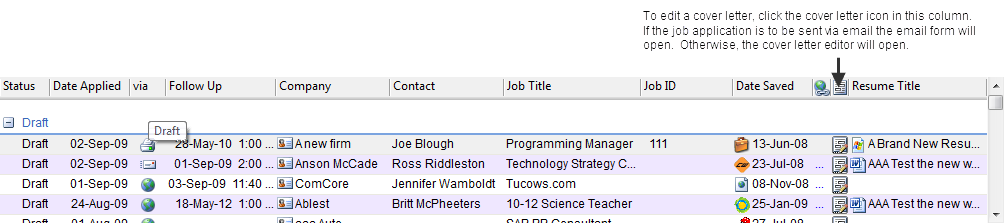
If the email is opened from the job application grid, any changes are saved to the job applications grid. To edit the email, you will click on the cover letter icon.
© 2005 - 2012 by JobTabs, LLC. All rights reserved.